
Your cart
Your cart is empty


MyPetiteCar.com
AM32 ESC Parameter Adjuster Brushless Speed Controller USB for MN82 MN99S MN168 MN78 Model Car Off Road Climbing Crawler Part
$52.99
SPECIFICATIONS
Brand Name: NeebRC
Certification: CE
Choice: yes
For Vehicle Type: Cars
Four-wheel Drive Attributes: Assemblage
High-concerned chemical: none
Is Batteries Included: No
Is Electric: No battery
Is it battery/power supply: N
Is it charger/adapter: N
Material: Composite Material
Origin: Mainland China
RC Parts & Accs: Motors
Recommend Age: 14+y
Remote Control Peripherals/Devices: ESC
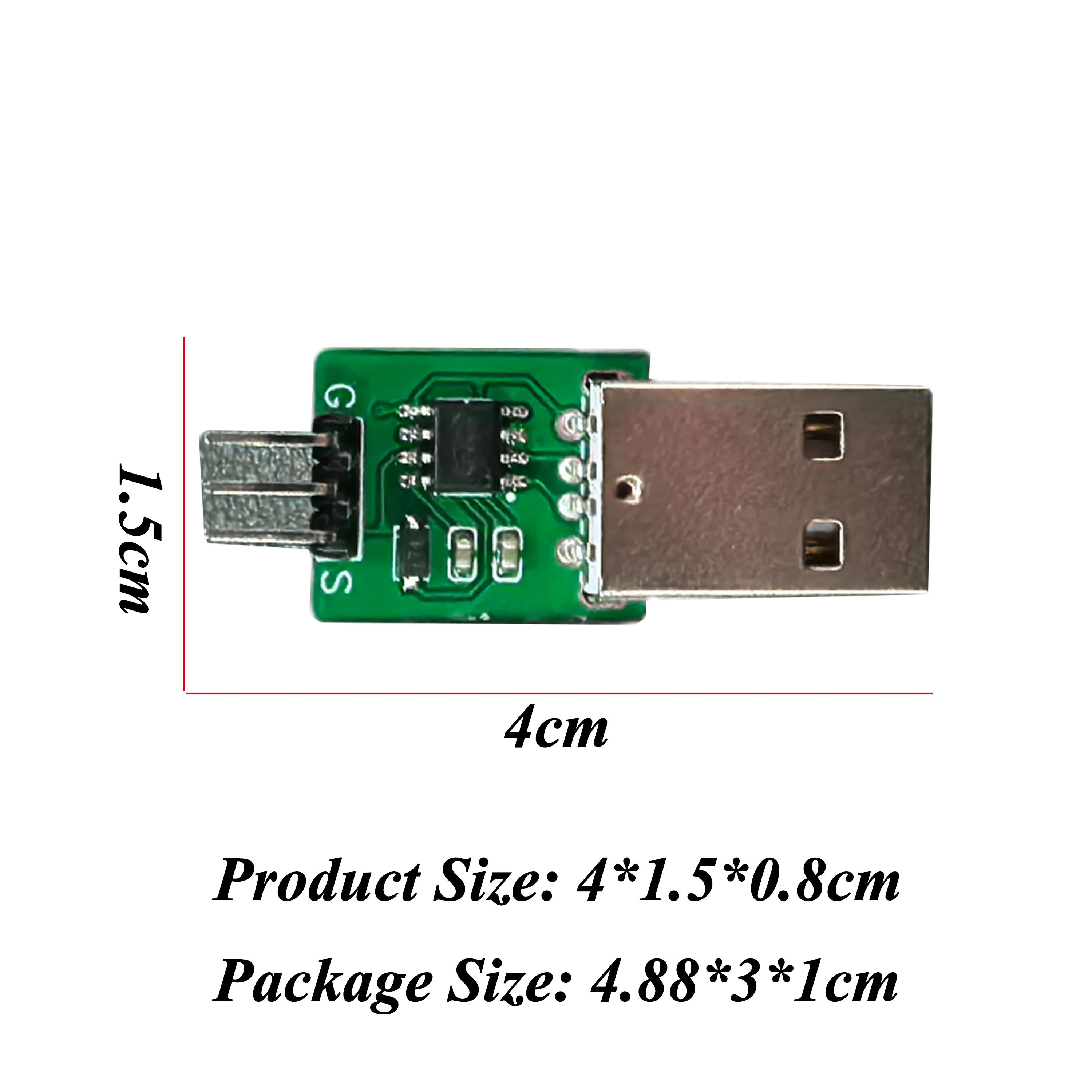
Size: 4*1.5*0.8cm
Technical parameters: Value 6
Tool Supplies: Assembled class
Upgrade Parts/Accessories: Parameter Adjuster
Use: Vehicles & Remote Control Toys
Wheelbase: Bottom Plate


Feature:
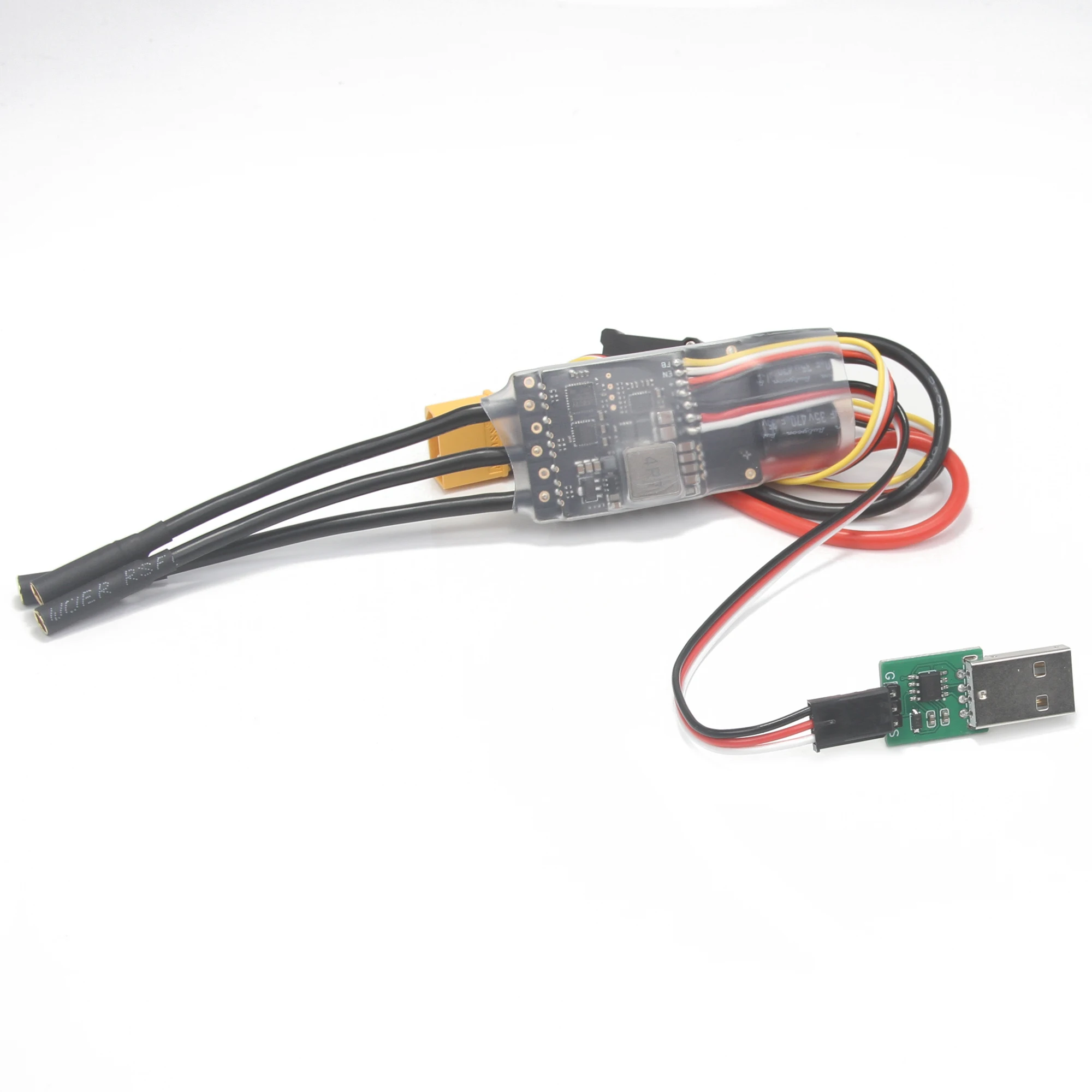
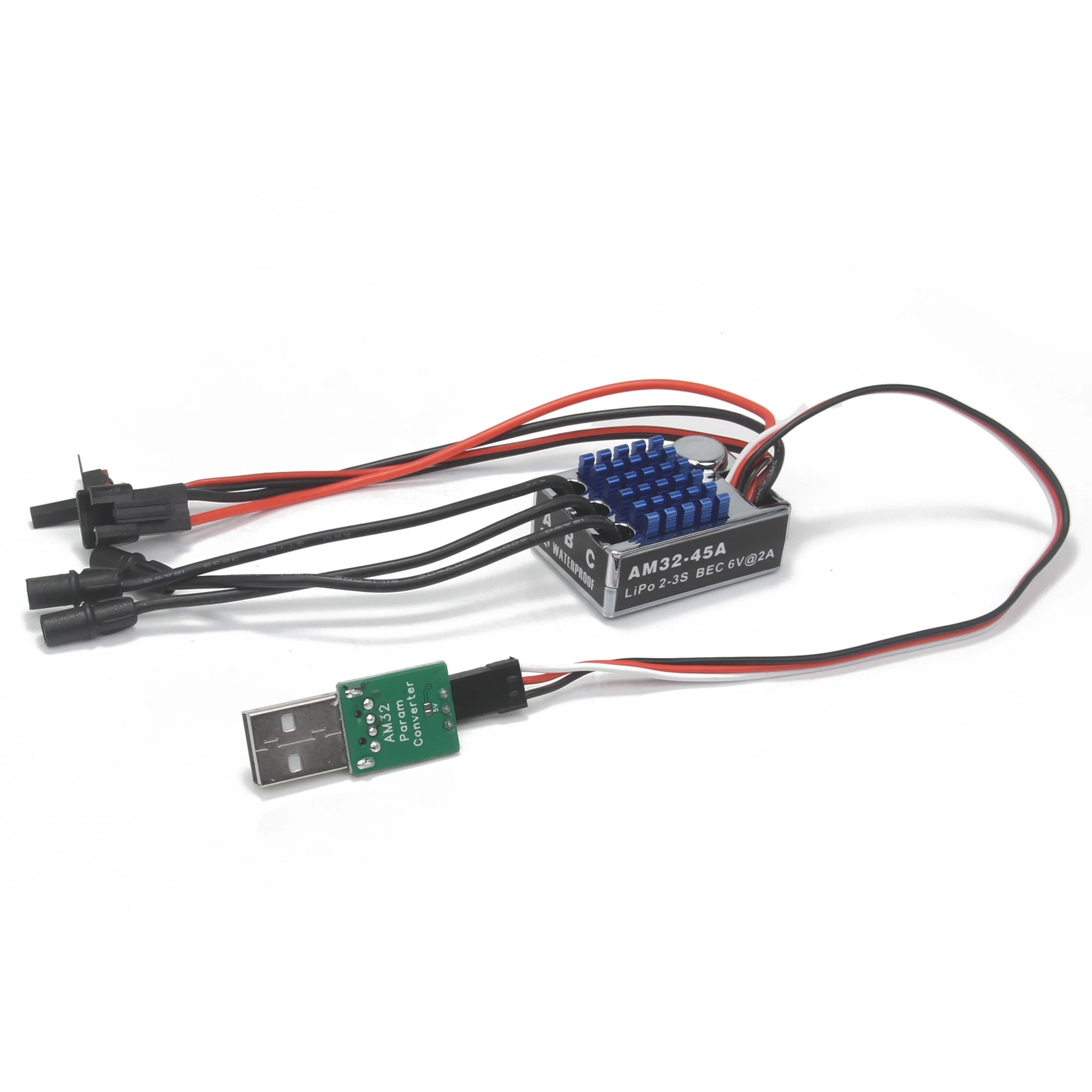
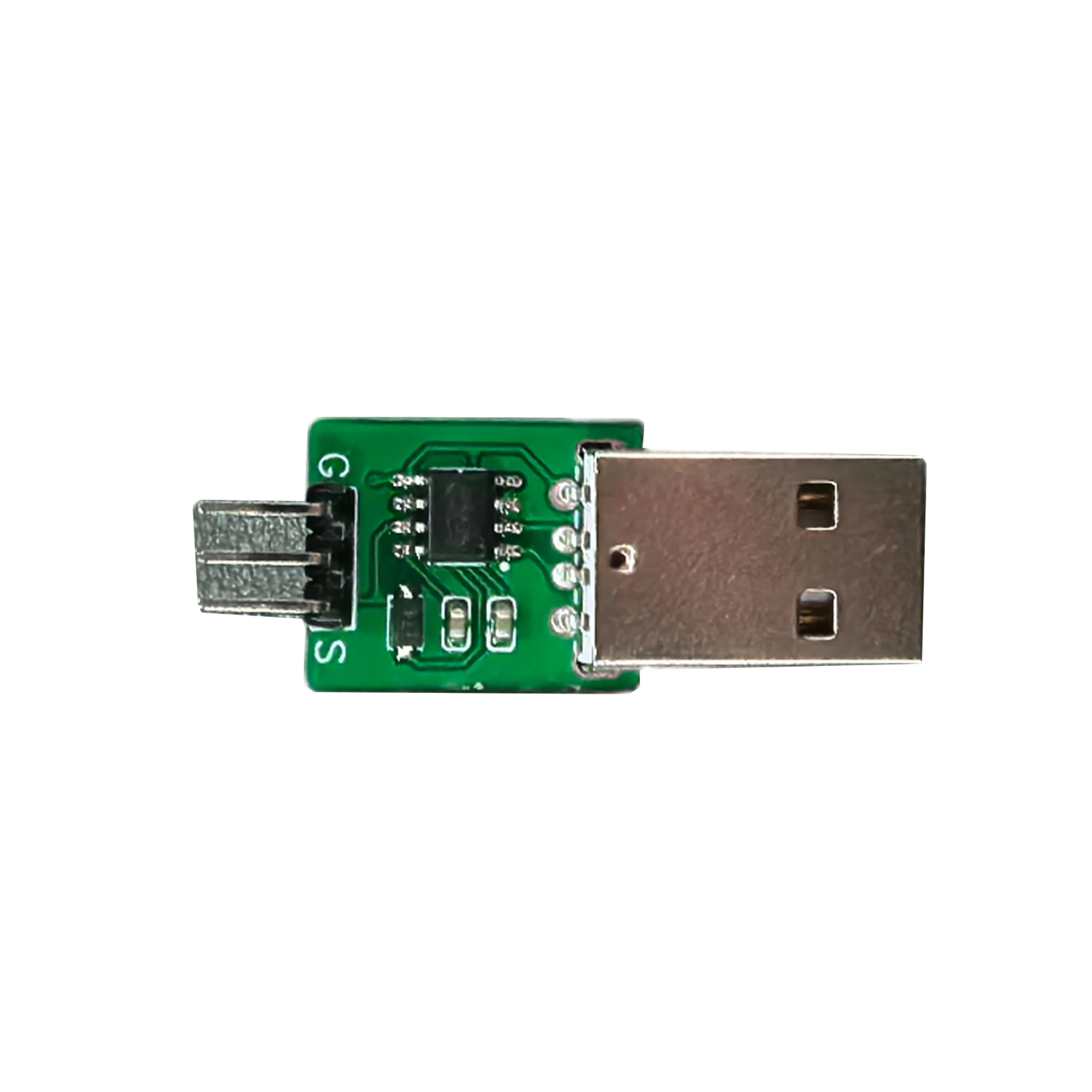
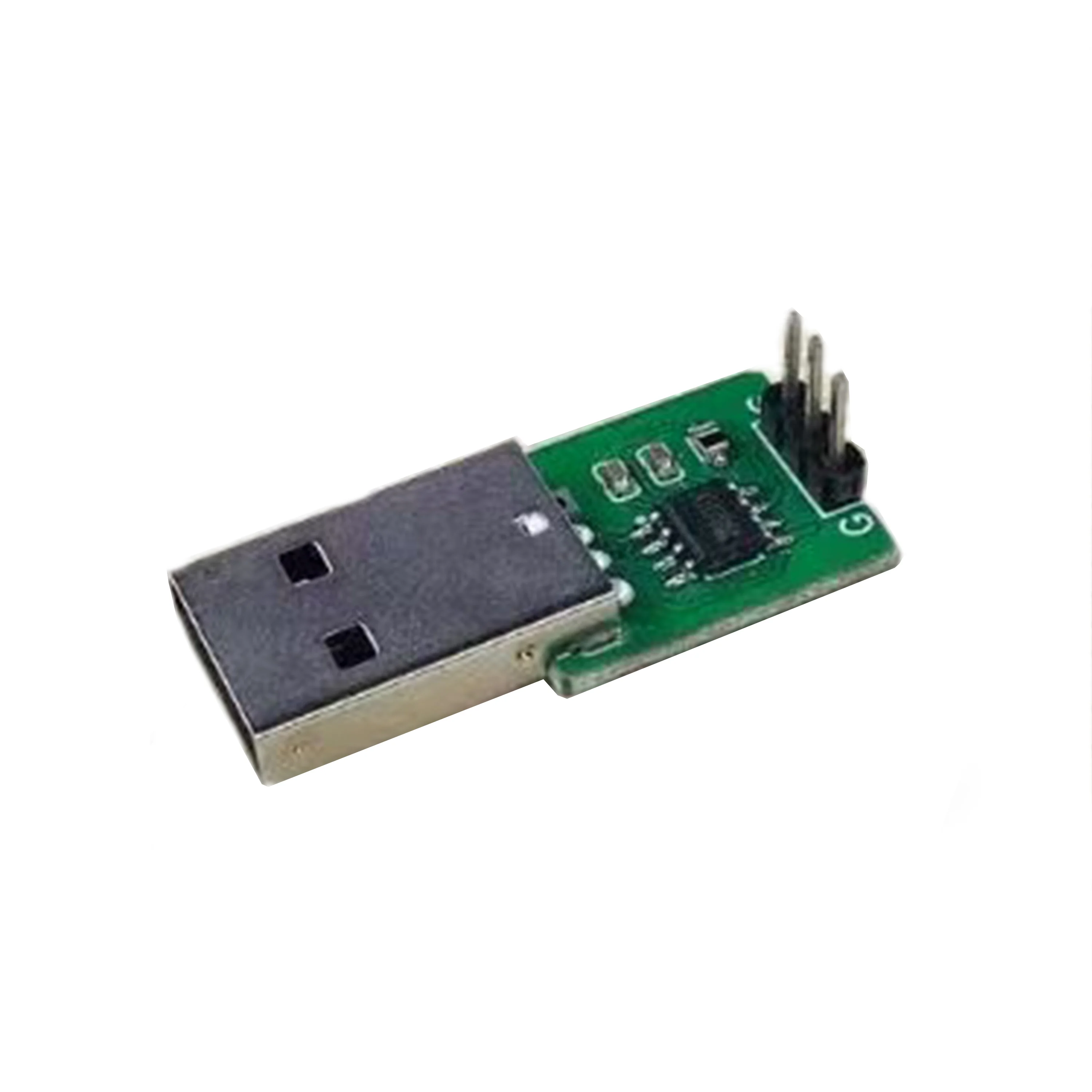
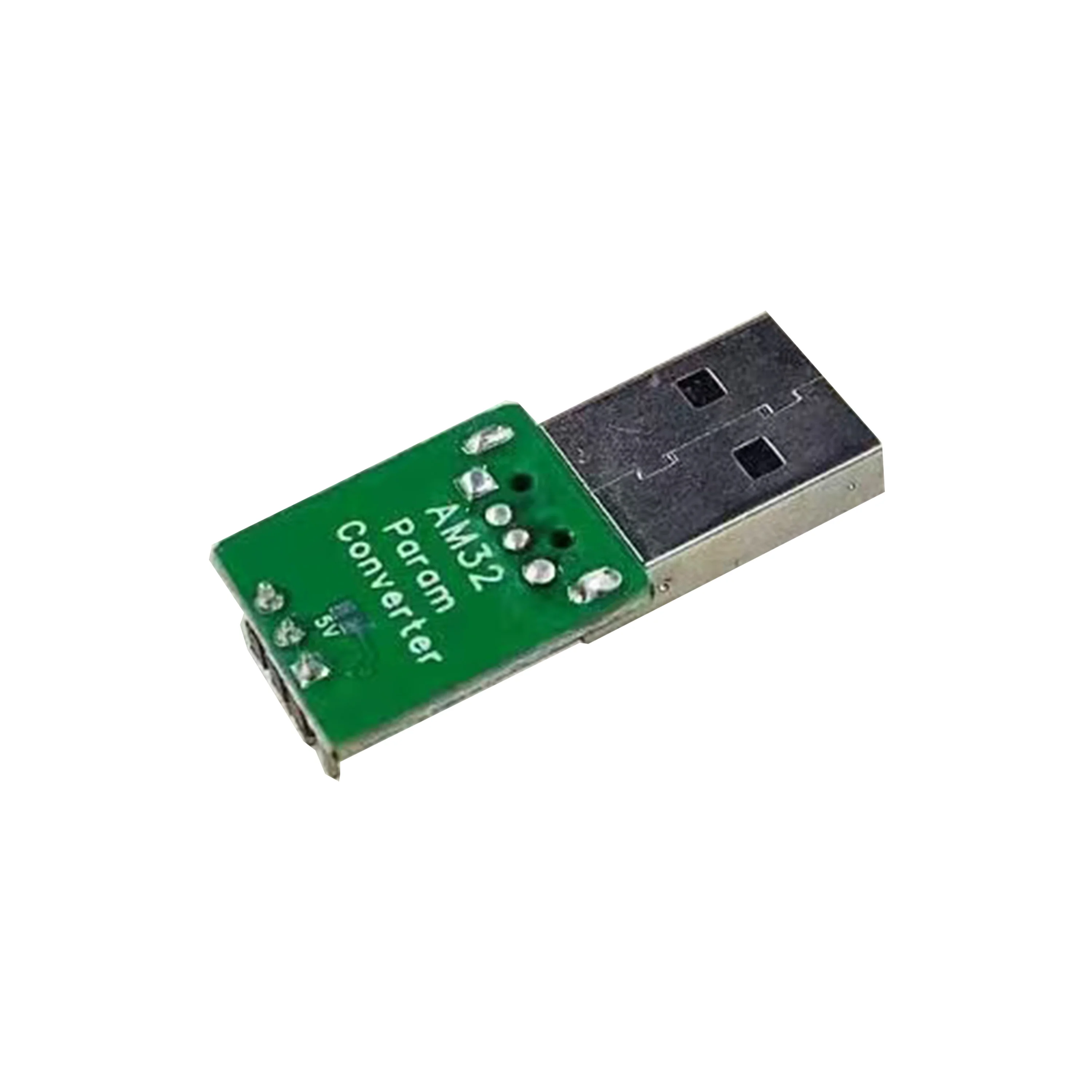
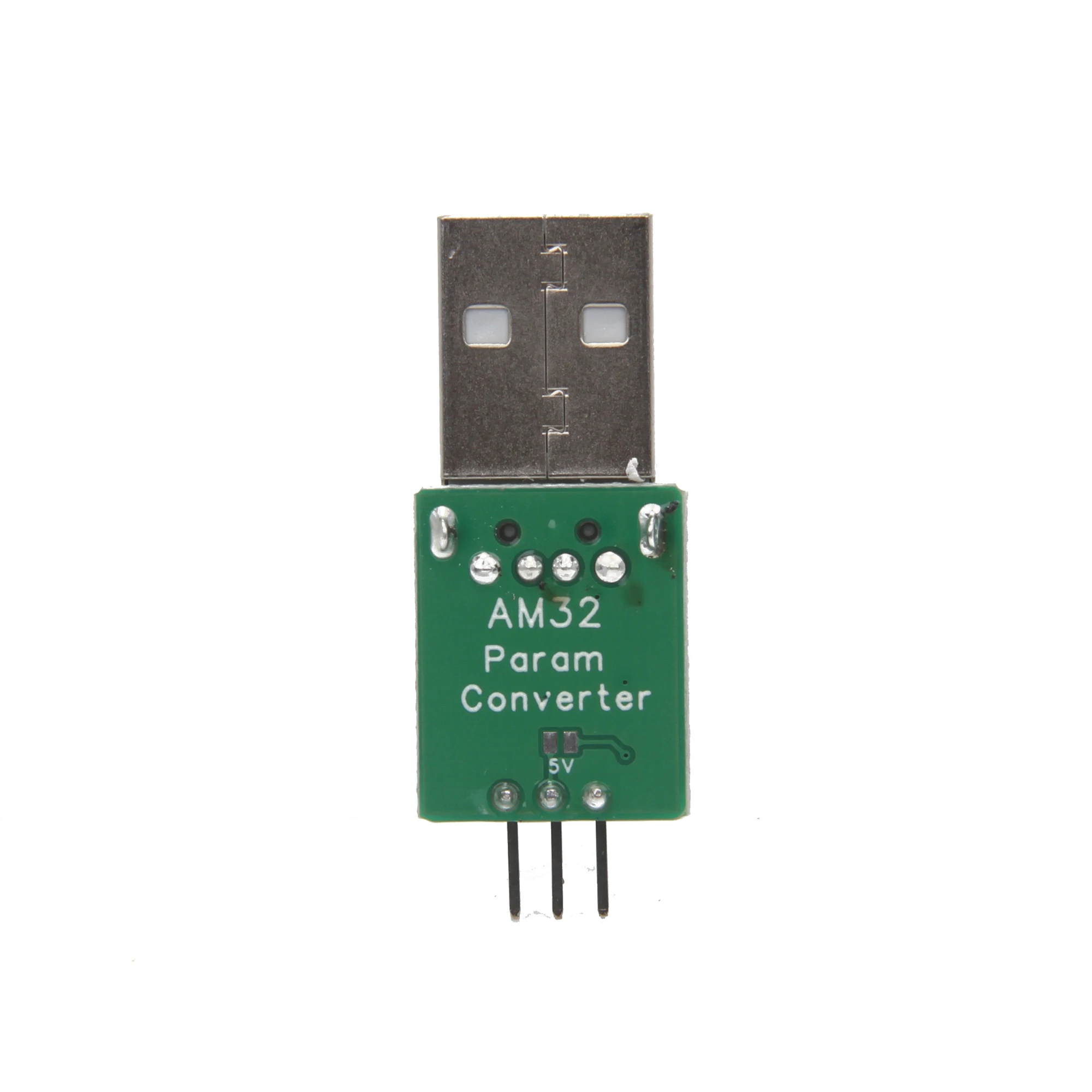
This product is suitable for AM32 Series ESC.
Specification:
Item Name: AM32 ESC Param Converter USB Link
Product size: 4*1.5*0.8cm
Package size: 4.88*3*1cm
Quantity: 1 piece
USBLink
For AM32/BL32, connects the ESC to a computer for configuration or firmware upgrade.
Portable and easy to use, simply connect the ESC signal plug, connect the USB Type-C cable to a computer, and install the VCP driver.
AM32 firmware is specifically designed for AT32 ARM processors, for controlling brushless motors (BLDC). The firmware is designed to be safe, fast, with a smooth and rapid start, and linear throttle. It is suitable for various vehicle types and flight controllers.
Parameter adjustment instructions
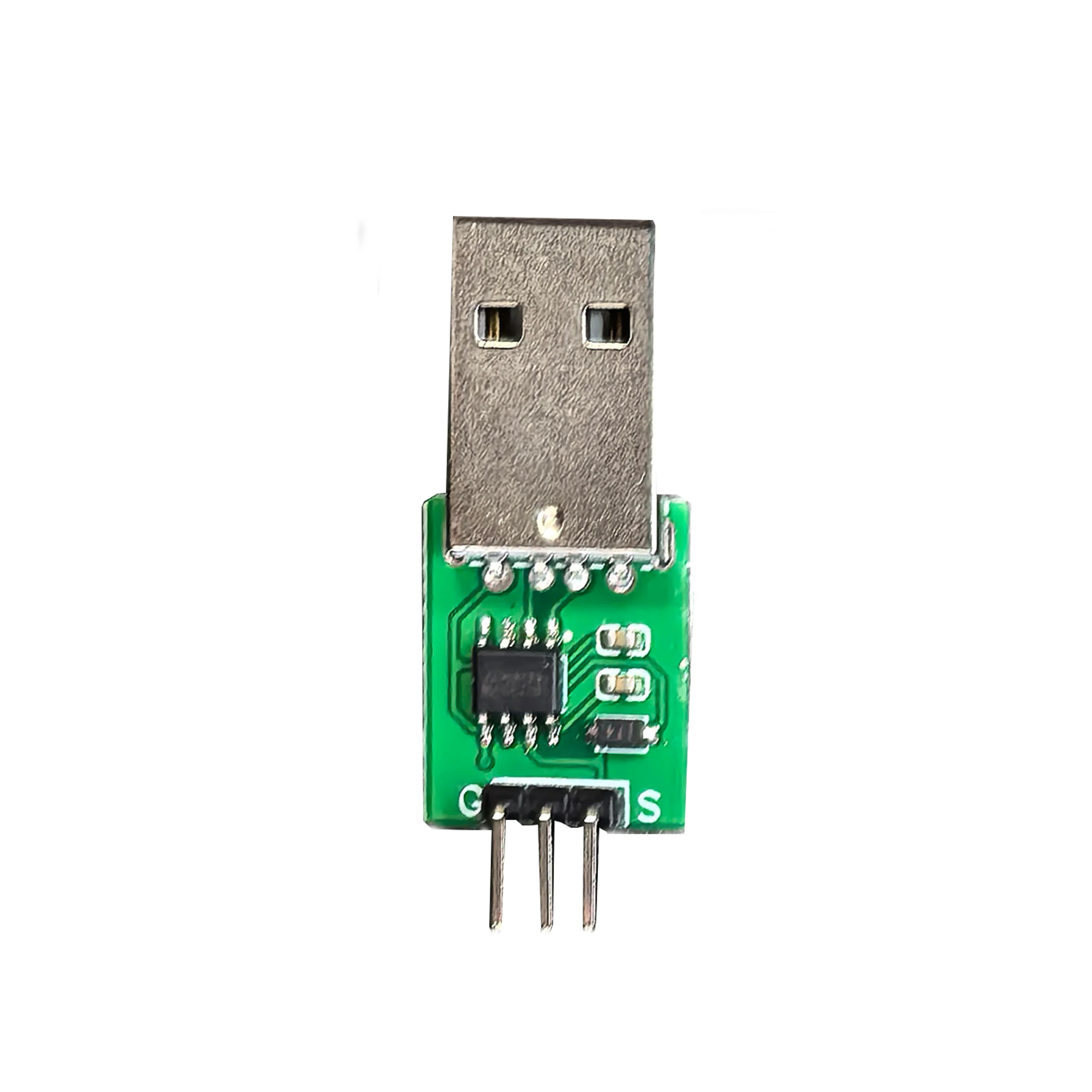
1. The 3P plug of the ESC, the white signal line corresponds to S, and the black BEC negative line corresponds to G, plug into the S and G of the parameter adjuster.
2. Plug the parameter adjuster into the USB port of the computer (win10 is recommended), and plug in the battery of the ESC.
3. In the FreelyRC product manual and tool library, download the parameter adjuster driver (win10 does not require installation), and the parameter adjustment software package Esc_Config_Tool_1.82 (unzip it without installation).
4. After ensuring that the parameter adjuster driver is normal (the CH340 serial port device is recognized in the device manager), open the unzipped parameter adjustment software folder and run "SerialPortConnector.exe"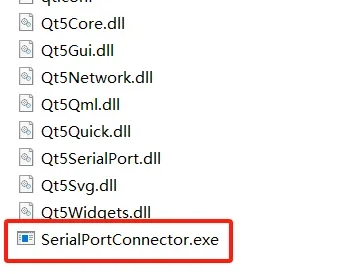
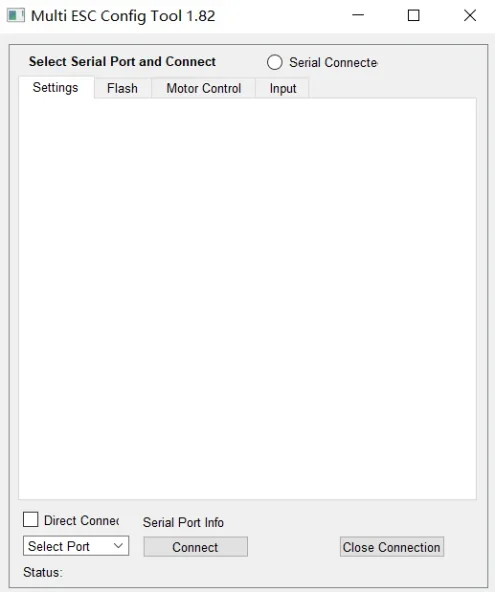
5. Operate the software in the order shown below
In step 2, select the COM number corresponding to the adjuster in the drop-down box.
Note: This COM number is different for each computer. You need to select the COM port corresponding to the tuner device on your computer.
6. Click the "Connect" button, and an "M1" button will appear in the software interface. Click "M1".
7. Start parameter adjustment (example: bidirectional car, turn on FOC)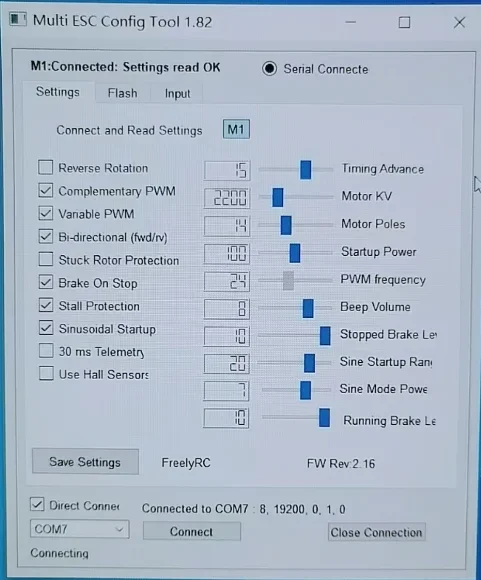
8. Press Save Settings to save the settings and then unplug the ESC.
Parameter tuning firmware website:https://am32.ca/configurator
Package include:
1/2/5/10 * AM32 ESC Param Converter
Note:
1.Due to the difference between different monitors,the picture may not reflect the actual color of the item. We guarantee the style is the same as shown in the pictures.
2.Due to the manual measurement and different measurement methods, please allow 1-3mm deviation.make sure you do not mind before you bid.Thanks!
AM32 ESC Parameter Adjuster Brushless Speed Controller USB for MN82 MN99S MN168 MN78 Model Car Off Road Climbing Crawler Part
$52.99
Delivery estimates and shipping options are shown at checkout.
Payment methods
$52.99
$52.99
SPECIFICATIONS
Brand Name: NeebRC
Certification: CE
Choice: yes
For Vehicle Type: Cars
Four-wheel Drive Attributes: Assemblage
High-concerned chemical: none
Is Batteries Included: No
Is Electric: No battery
Is it battery/power supply: N
Is it charger/adapter: N
Material: Composite Material
Origin: Mainland China
RC Parts & Accs: Motors
Recommend Age: 14+y
Remote Control Peripherals/Devices: ESC
Size: 4*1.5*0.8cm
Technical parameters: Value 6
Tool Supplies: Assembled class
Upgrade Parts/Accessories: Parameter Adjuster
Use: Vehicles & Remote Control Toys
Wheelbase: Bottom Plate
Feature:
This product is suitable for AM32 Series ESC.
Specification:
Item Name: AM32 ESC Param Converter USB Link
Product size: 4*1.5*0.8cm
Package size: 4.88*3*1cm
Quantity: 1 piece
USBLink
For AM32/BL32, connects the ESC to a computer for configuration or firmware upgrade.
Portable and easy to use, simply connect the ESC signal plug, connect the USB Type-C cable to a computer, and install the VCP driver.
AM32 firmware is specifically designed for AT32 ARM processors, for controlling brushless motors (BLDC). The firmware is designed to be safe, fast, with a smooth and rapid start, and linear throttle. It is suitable for various vehicle types and flight controllers.
Parameter adjustment instructions
1. The 3P plug of the ESC, the white signal line corresponds to S, and the black BEC negative line corresponds to G, plug into the S and G of the parameter adjuster.
2. Plug the parameter adjuster into the USB port of the computer (win10 is recommended), and plug in the battery of the ESC.
3. In the FreelyRC product manual and tool library, download the parameter adjuster driver (win10 does not require installation), and the parameter adjustment software package Esc_Config_Tool_1.82 (unzip it without installation).
4. After ensuring that the parameter adjuster driver is normal (the CH340 serial port device is recognized in the device manager), open the unzipped parameter adjustment software folder and run "SerialPortConnector.exe"
5. Operate the software in the order shown below
In step 2, select the COM number corresponding to the adjuster in the drop-down box.
Note: This COM number is different for each computer. You need to select the COM port corresponding to the tuner device on your computer.
6. Click the "Connect" button, and an "M1" button will appear in the software interface. Click "M1".
7. Start parameter adjustment (example: bidirectional car, turn on FOC)
8. Press Save Settings to save the settings and then unplug the ESC.
Parameter tuning firmware website:https://am32.ca/configurator
Package include:
1/2/5/10 * AM32 ESC Param Converter
Note:
1.Due to the difference between different monitors,the picture may not reflect the actual color of the item. We guarantee the style is the same as shown in the pictures.
2.Due to the manual measurement and different measurement methods, please allow 1-3mm deviation.make sure you do not mind before you bid.Thanks!
Recently viewed products

- Choosing a selection results in a full page refresh.
- Opens in a new window.